Telegram /report command: remove spam or alert an admin
Reply to a suspicious message with /report. For an administrator this is an explicit moderation decision; for a regular member it is a safe complaint for review.
Updated October 1, 2026. Checked against the current /report flow and moderation log cards.
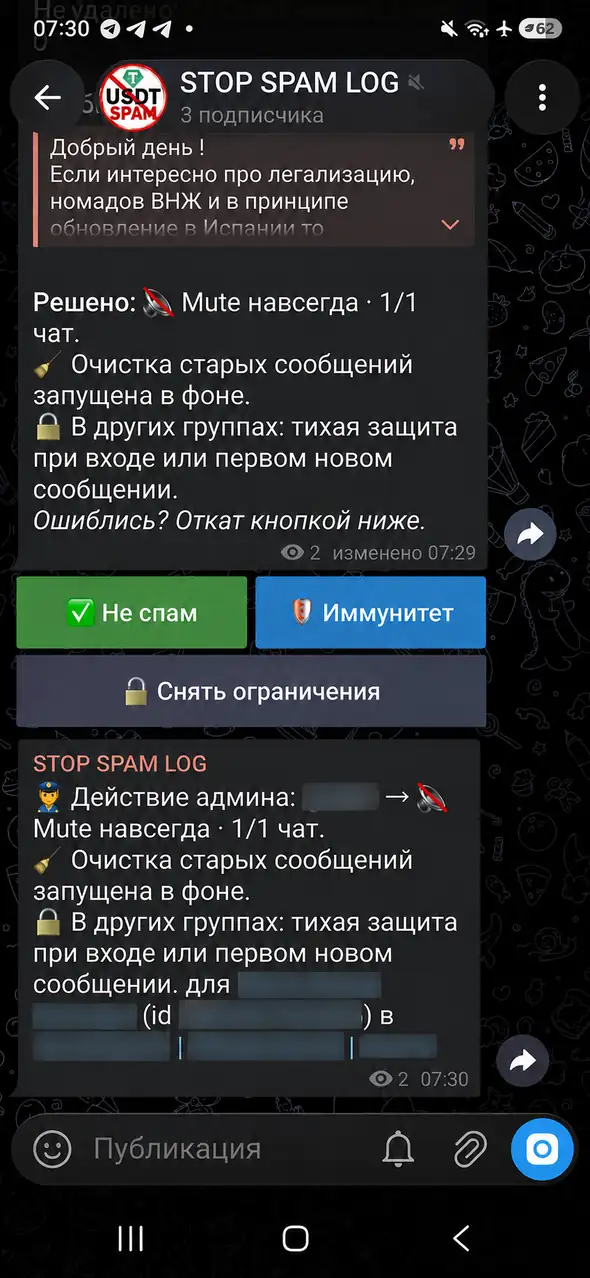
When an administrator sends the command
An administrator replies with /report to the message inside the group. STOP SPAM checks current permissions, removes the accessible message and applies the moderation decision. Anonymous administrators are supported, although Telegram does not disclose their personal account to the bot.
The result appears in the private moderation log: it shows what was actually applied, whether cleanup was started and which correction actions are available. An action that Telegram did not confirm must not be reported as successful.
When a regular member reports a message
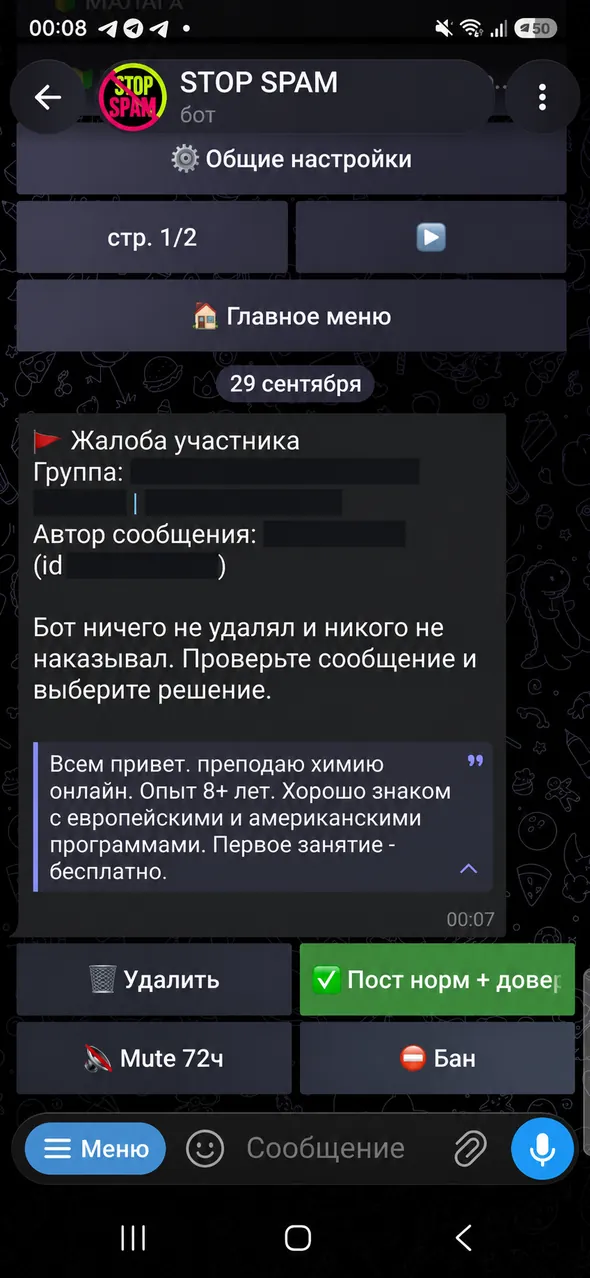
A member can also reply with /report, but the bot does not delete anything or punish anyone automatically. An administrator receives a complaint card, checks the message and chooses what to do next.
An administrator's /report is a moderator decision. A member's /report is only an alert to a moderator. The same command does not grant the same permissions.
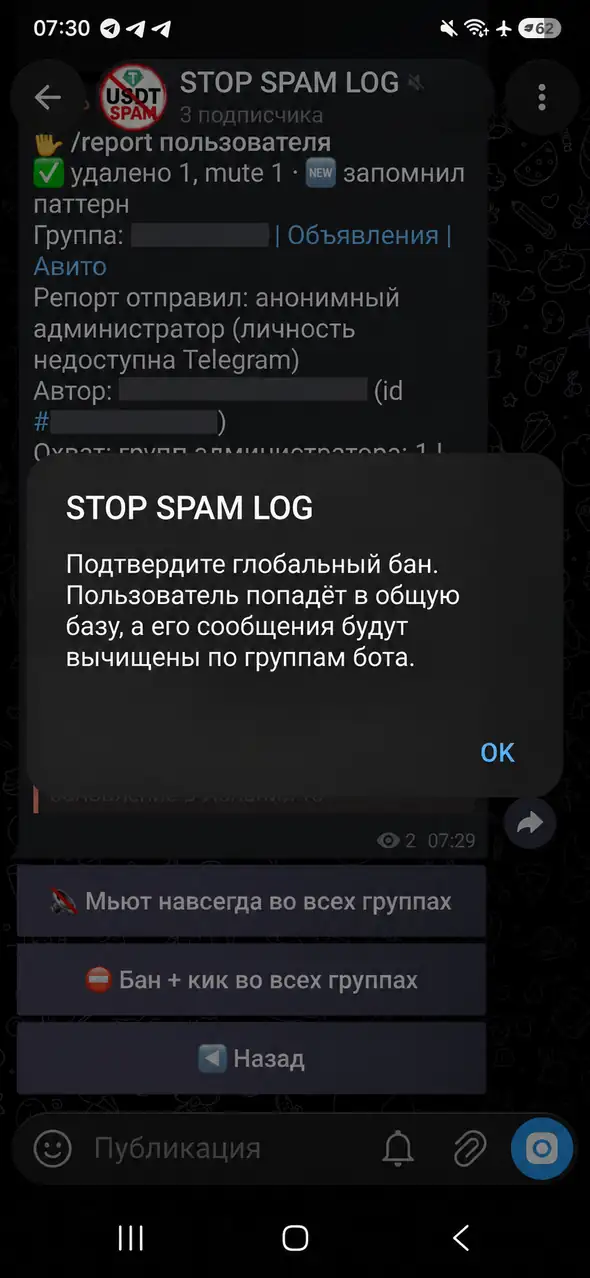
Permanent mute or ban and kick
The extended owner card separates two actions: keep the person in groups but prevent posting, or ban and remove the person. Before the broader action, the bot shows a confirmation and the intended scope.
A safe three-step flow
- 1
Reply to the message itself
Open a reply to the suspicious post and send
/report. A standalone command does not identify a message. - 2
Check the actual result
Use the log to see what was deleted, which restriction Telegram confirmed and whether background cleanup started.
- 3
Correct a mistake immediately
Use the correction actions in the log card when a legitimate message or person was affected.
For a permanent audit trail, follow the private moderation log guide. If the message is already gone or you need to search for exact copies, use the private forwarding flow.
Questions about /report
Can a regular member remove someone else's message?
No. A member complaint is only sent to an administrator for review.
Does the command work for an anonymous administrator?
Yes, the action may be sent on behalf of the group. Telegram does not give the bot that administrator's personal identity.
Are old messages removed immediately?
The source message is handled first. Searching for and removing accessible older copies may continue in the background and depends on message age and bot permissions.
What if the administrator made a mistake?
Open the log card and choose the appropriate correction. Telegram cannot restore deleted text, so the author must post it again.
Do not wait for spam to repeat
Reply with /report, then keep the verified result and correction path in your private moderation log.