Third-party bots in a Telegram group
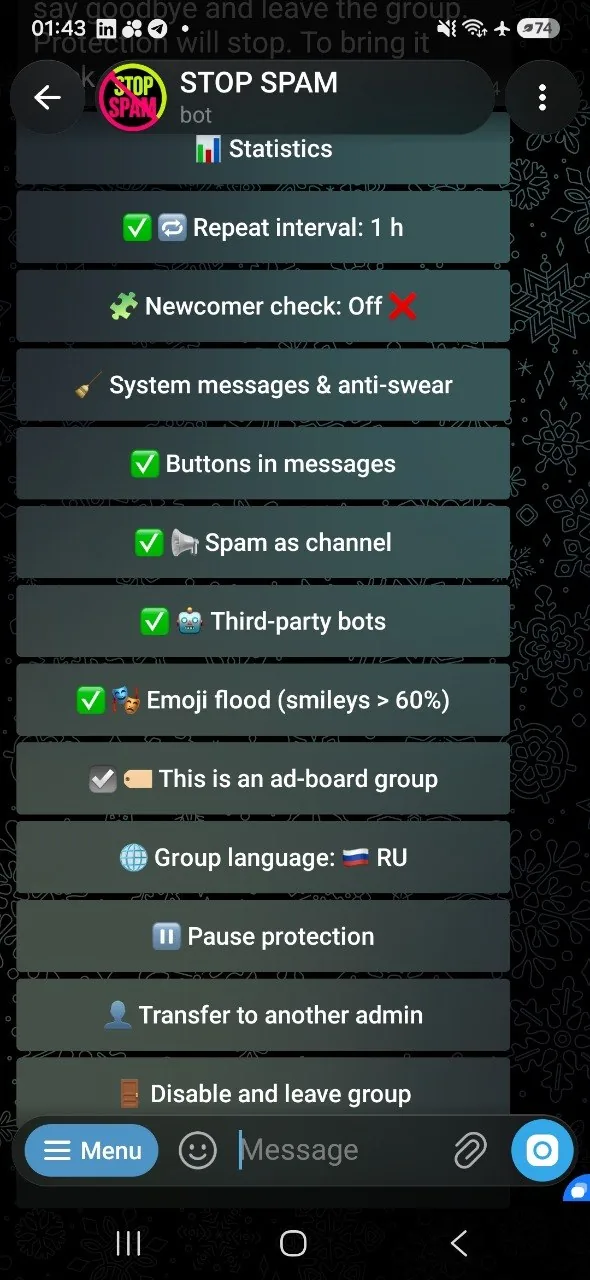
A regular member should not be able to install a bot that starts advertising, collecting data or posting service messages. STOP SPAM removes the invited bot and applies a gradual mute to the inviter, while preserving deliberate administrator actions.
Updated September 9, 2026. The description follows the current invitation and punishment flow.
What happens when a member adds a bot
- 1
STOP SPAM verifies the event
The service checks that the new account is a bot, identifies the inviter and reads the inviter's current Telegram role.
- 2
The unwanted bot is removed
STOP SPAM performs a ban followed by an immediate unban. In Telegram this acts as a kick: the bot leaves the group, but a real administrator can add it again later.
- 3
The inviter receives a measured restriction
After successful removal, a regular member receives a one-hour mute. A repeated invitation raises it to 24 hours and then to a permanent mute.
A permanent ban would make a later deliberate installation harder. A kick stops the immediate incident and leaves the final product decision with the group's administrators.
What happens when an administrator adds a useful bot
If Telegram confirms that the inviter is currently an administrator, STOP SPAM does not interfere. The added bot is trusted for that group. Promotion of an existing bot to administrator is treated in the same way.
The check uses the current Telegram role rather than an old local record. If the platform cannot confirm the status, the service avoids punishing the inviter on an uncertain result.
Required rights
STOP SPAM needs permission to delete messages and restrict members. Without the required moderation rights it cannot reliably remove the invited bot or apply the ladder, so the group settings show which permission is missing.
Inline bots are handled separately
A message sent through an inline bot is not the same as installing that bot into the group. STOP SPAM checks the payload: advertising links, external mentions and similar signals may be filtered, while an ordinary GIF or media post is not deleted solely because it was sent via a bot.
Why the action is idempotent
Telegram can deliver updates again. STOP SPAM records the invitation event so the same update does not repeatedly punish the inviter. A genuinely new invitation is evaluated as a new event and may advance the ladder.
Third-party bot FAQ
Why kick instead of permanently banning the bot?
The immediate threat disappears, while an administrator can still make a deliberate decision to add the same bot later.
Can a regular member receive a permanent mute?
Yes, after repeated bot invitations. The normal ladder is one hour, 24 hours and then permanent.
Will a bot added by an administrator be removed?
No, provided Telegram confirms the inviter's live administrator status. It is added to that group's trusted list.
Does this replace message filtering?
No. Invitation control stops unapproved installations. Messages sent through inline bots are checked by a separate content filter.
Do not let members install bots without approval
STOP SPAM removes unsolicited bots while keeping administrator choices possible and reversible.